All news
7 shipped· July 29, 2026

A booking page that opens on the first tap.

The customer booking page got a serious speed pass: the catalogue rides inside the cached page, the data request fires before the app boots, and confirming no longer waits on the emails. Plus the staff app on the App Store, and Sign in with Apple.

Improved

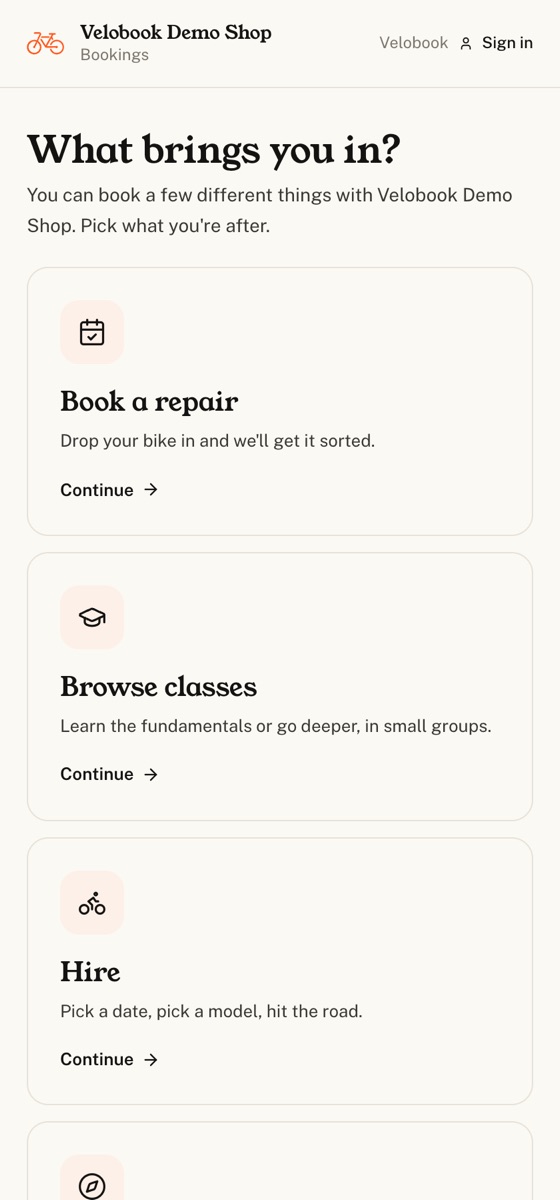
The booking page, much faster

The catalogue used to land around 3.7 seconds in, because the page waited for the HTML, then the bundle, then the app to boot before it even asked for the shop's data. The request now fires the moment the HTML arrives, and on a cached page the catalogue is already inside the page, so the booker renders with no round trip at all. A five-minute warmer keeps the booking functions from cold-starting on a quiet shop's first visitor of the day.

Improved

Confirm stops waiting on the paperwork

A warm Confirm click was measured at 3.4 seconds, almost all of it the customer watching a spinner while the confirmation email, the text, the reminder and the staff assignment went out one after another. Those now run after the confirmation is on screen. Anything the customer's answer depends on, the booking itself, the deposit, a discount or credit, still happens before they see it.

New

The staff app is on the App Store

Admin gains a Get the app section: the App Store link for iPhone, a one-tap install of the web app with a walkthrough where the browser needs one, and a register button for the Android test.

New

Sign in with Apple

Staff can sign in with Apple alongside Google, at equal prominence.

Under the hood

  • Mobile operator surfaces, tidied

    The compact control scale from Routes now runs across the operator screens: Scan as the hero on Fleet with status pills including Late, the schedule date stepper and view toggle on one line, and job-card and quote footers that fit a phone instead of wrapping into a wall of buttons.

  • The app stops flashing the website

    Signing in and out of the native app swaps the view in place rather than reloading the webview through the marketing homepage.

  • A customer's previous quotes, on the quote

    The Quote tab shows a collapsed list of that customer's earlier quotes, item, date, total and status, when there are any.

Got something you wish Velobook did?

Email alex@velobook.app and tell us. Half the entries on this page started as a one-line note from a shop. We ship in the order shops ask.

Cookies & storage

velobook uses essential browser storage to keep you signed in, remember which shop you are working in, and route custom domains. With your permission, we also use Google Analytics to understand how people use velobook. Advertising trackers are always off. Choose what is okay with you.

Read our privacy policy.